
This section in the WLAN configuration is used to control which Access points will get this WLAN configuration. By default, all the APs in a selected site or site-group will get the WLAN configuration and beacon the SSID.

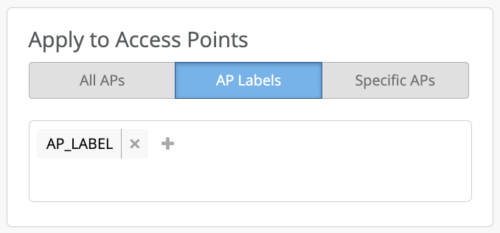
 Based on the use-case or the requirements, filters can be applied to have the WLAN configured only on AP Labels or Specific APs. AP Labels can be created at a site/org level. Navigate to Labels under Site/Org and create a new label with Label Types as “Access Points”.
Create Site level labels for site WLANs and org level labels for WLAN Templates.
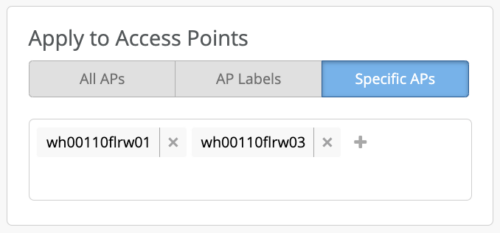
 Specific APs under a site/org can also be referenced for receiving the WLAN configuration. This is a quick way to test out a new WLAN configuration by applying the configuration to APs limited in a specific area.